
Call us now :08045812774
 Send Inquiry

Product Discontinued
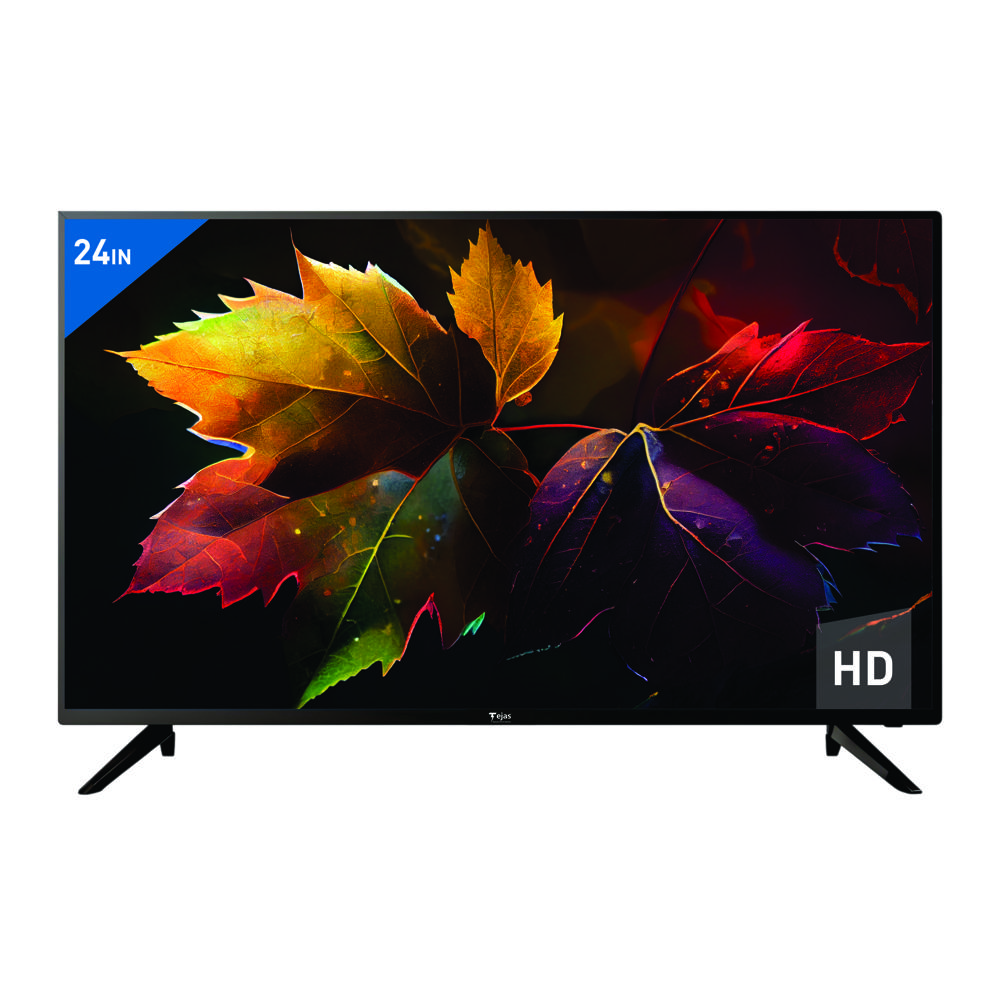
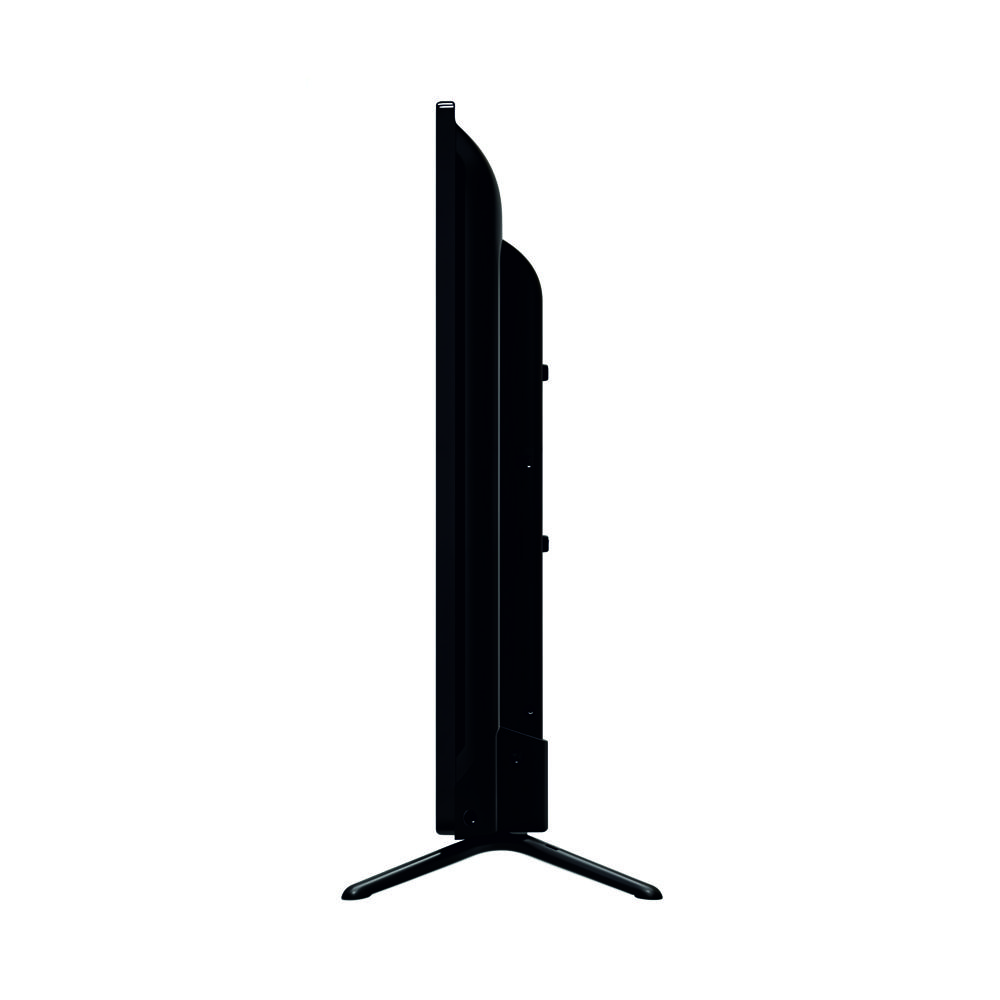
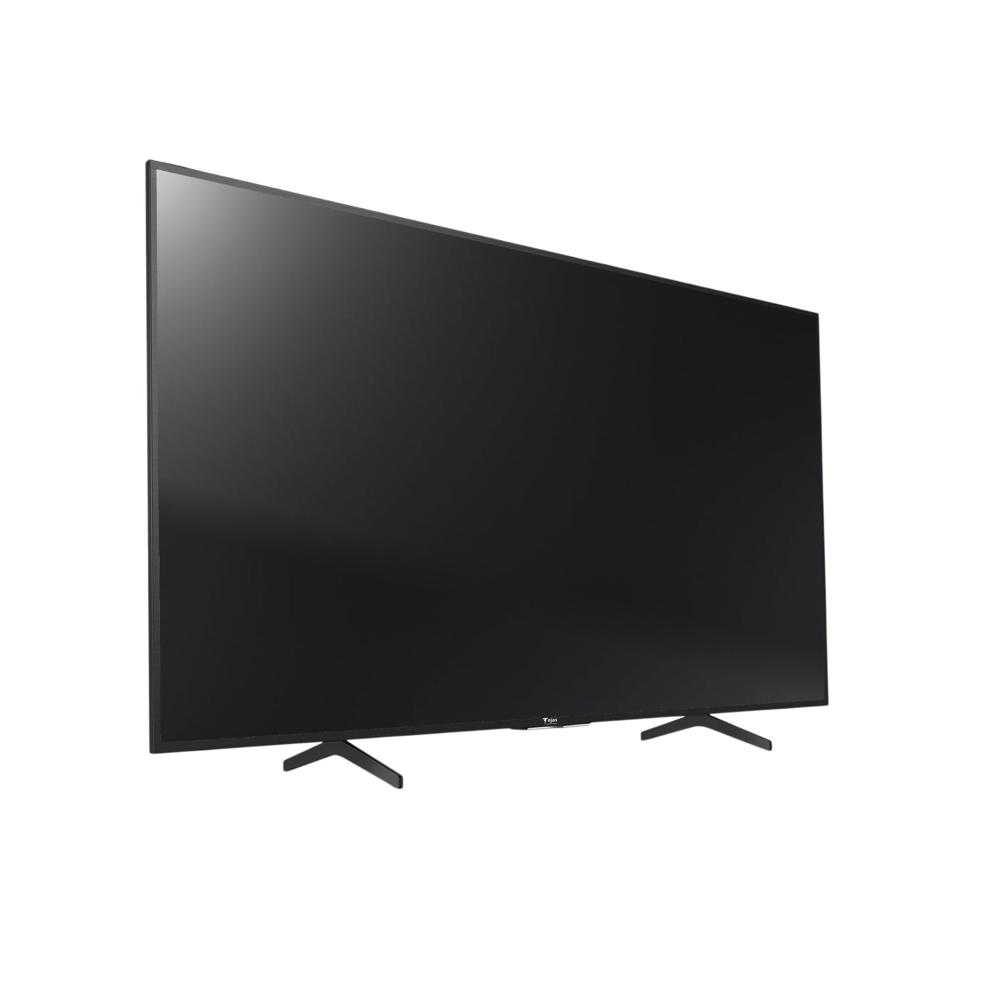
24 HD TV - HD TV
MOQ : 12 Pieces
24 HD TV - HD TV Specification
- Color
- Black
- Material
- Plastic
- Wide Screen Support
- Yes
- Voltage
- 110-215 Volt (v)
- Warranty
- 1 Year
- Remote Control
- Yes
- HDMI
- Yes
- Product Type
- LED
- LCD Display
- Yes
24 HD TV - HD TV Trade Information
- Minimum Order Quantity
- 12 Pieces
- Supply Ability
- 500 Pieces Per Month
- Delivery Time
- 7 Days
24 HD TV - HD TV About
Product Name: 24" HD TV
Category: Television
Technical Specifications
-
Screen Size: 24 inches
-
Display Type: HD (High Definition)
-
Brand: BOE
-
Panel Type: Fibre
-
Sound Output: 10W x 2 (Stereo Sound)
-
Audio System: Standard Stereo
-
Remote: Basic Remote (IR, Power, Volume, Channel Buttons)
-
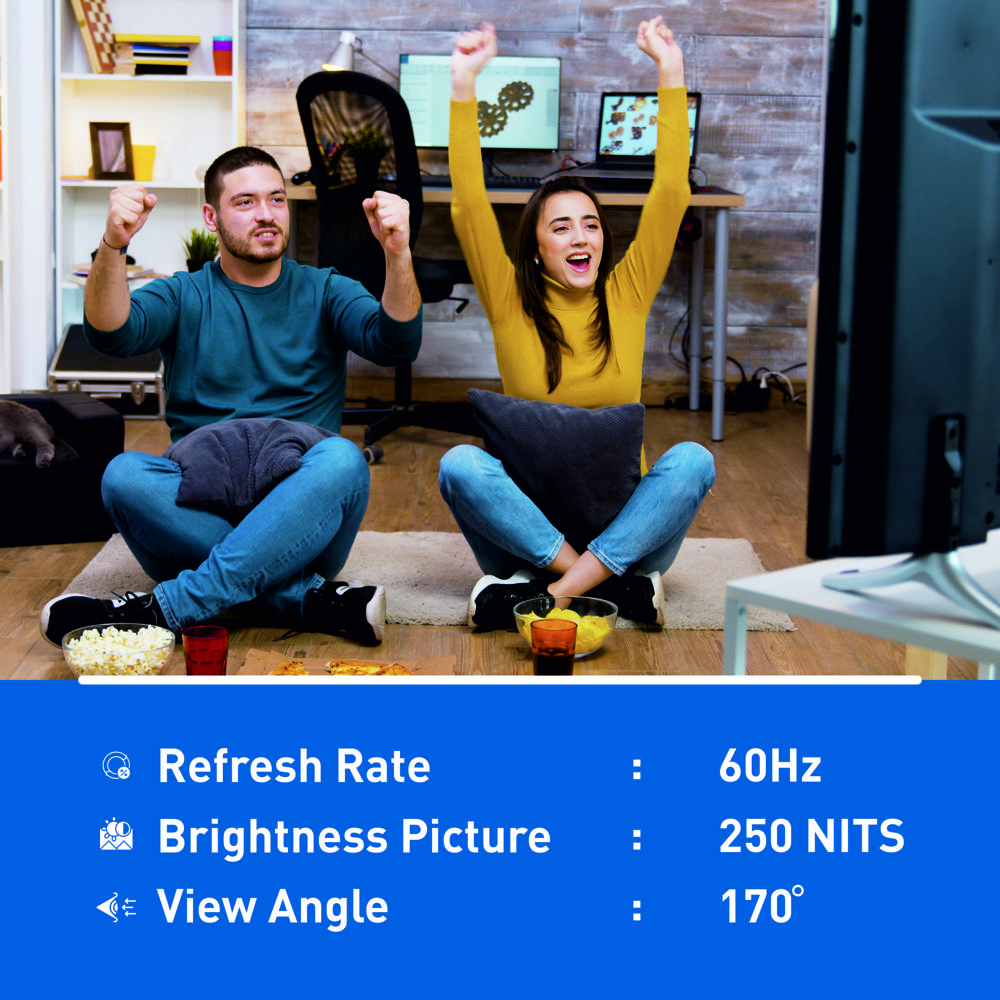
Refresh Rate: 60Hz
-
Resolution: 250 x 170
-
Aspect Ratio: 16:9
-
Screen Type: Flat
-
Color: Black
Energy & Power Features
-
Power Consumption: 30W
-
Energy Efficiency Class: Class A
-
Voltage: 100-240V
-
Standby Power: 0.5W
Connectivity & Ports
-
Wall Mount: Yes
-
DVB-T2 Support: Yes
-
Audio Formats: DTS, Dolby Digital
-
USB Ports: Yes
Additional Features
-
Display Technology: LED LCD
-
Viewing Angle: Yes
-
HDMI Port: Yes
-
AC Power: Yes
-
Stereo: Yes
-
Energy Saving: Yes
Warranty
-
Warranty Period: 1 Year
MOQ (Minimum Order Quantity)
-
MOQ: 6 Units
Crystal Clear HD Viewing
The 24 HD TV features an HD LCD display, ensuring sharp, detailed images and vivid colors for an immersive viewing experience. Its wide-screen support means you can enjoy your favorite movies and shows in their full cinematic glory, making it an ideal choice for home entertainment.
Versatile Connectivity Options
With integrated HDMI support, this television easily connects with devices such as laptops, gaming consoles, and media streamers. The range of connectivity options enhances its usability, making it simple to switch between devices while enjoying uninterrupted entertainment.
FAQs of 24 HD TV - HD TV:
Q: How do I set up the 24 HD TV for first-time use?
A: After unboxing, place the TV on a stable surface, connect it to a power outlet within the 110-215 Volt range, attach the required antenna or HDMI device, and switch it on using the included remote control. Follow the on-screen instructions for initial setup.Q: What are the benefits of the HD LCD display on this TV?
A: The HD LCD display offers enhanced color accuracy, sharpness, and clarity, providing viewers with high-quality visuals, whether watching TV shows, movies, or playing games.Q: When does the one-year warranty for the 24 HD TV begin?
A: The one-year warranty starts from the original date of purchase as indicated on your invoice or receipt provided by the supplier or manufacturer.Q: Where can I purchase the 24 HD TV in India?
A: You can buy the 24 HD TV from authorized exporters, manufacturers, and suppliers throughout India. Look for verified dealers to ensure product authenticity and warranty support.Q: What is the process for connecting external devices to the TV?
A: Simply use the HDMI port to connect compatible external devices, such as set-top boxes, gaming consoles, or streaming devices. Once connected, use the remote control to select the appropriate input source.Q: How should I use the remote control with this TV?
A: The remote control allows users to easily navigate menus, adjust settings, switch channels, regulate volume, and power the TV on or off, making interaction with the device convenient and efficient.Q: What makes the 24 HD TV a beneficial choice for households?
A: Its compact size, HD resolution, versatile connectivity, energy-efficient voltage range, remote control convenience, and reliable warranty create a balanced package suitable for different room sizes and user needs.More Products in LED TV Category
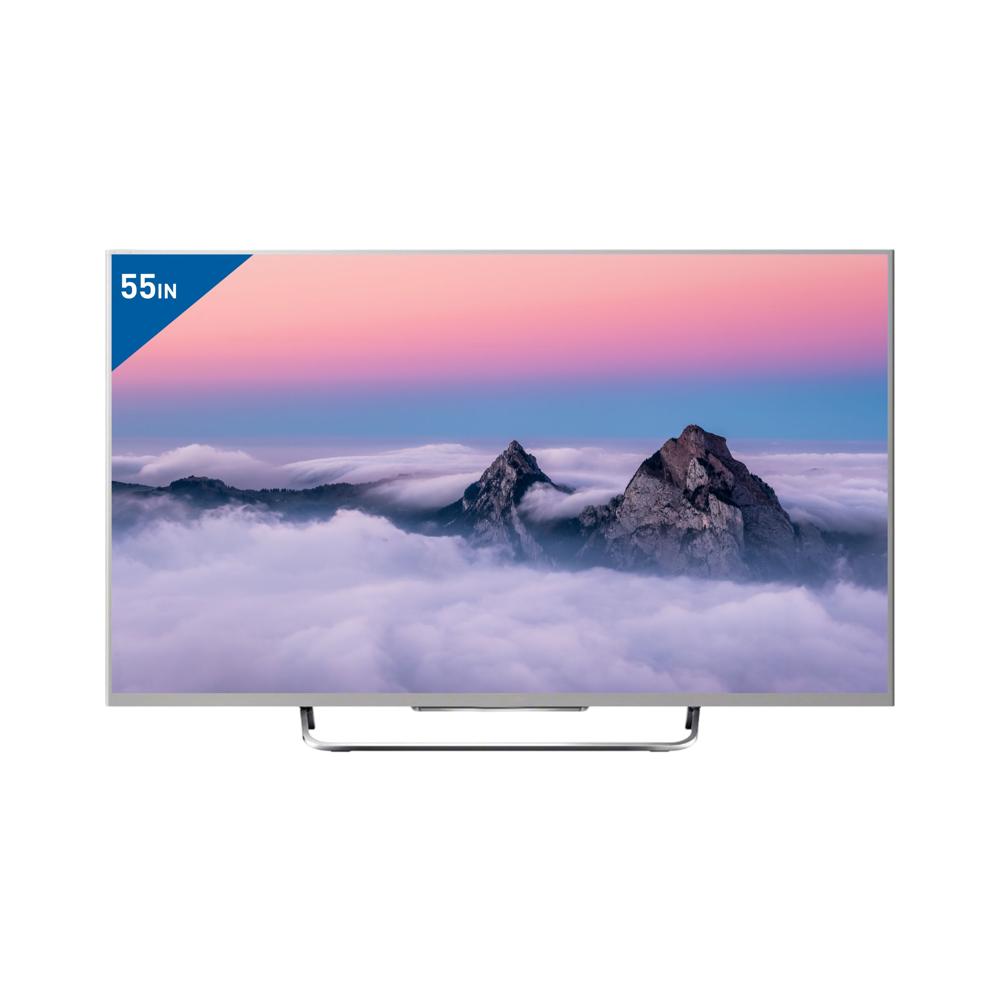
55" Android Q LED 4K 2/16GB
Price 24240.0 INR / Piece
Minimum Order Quantity : 12 Pieces
LCD Display : Yes
HDMI : 3 HDMI Ports
Remote Control : Yes
Voltage : 100240V
24 LED TV Android 512MB / 4GB
Price 5160.0 INR / Piece
Minimum Order Quantity : 12 Pieces
LCD Display : Yes
HDMI : 2 Ports
Remote Control : Yes
Voltage : 100240V
43" Frameless Frameless IPS Soundbar WAVE OS
Price 11340.0 INR / Piece
Minimum Order Quantity : 12 Pieces
LCD Display : Yes
HDMI : Yes
Remote Control : Yes
Voltage : 110215 Volt (v)
55" Google TV - 4K Voice + BT
Price 25800.0 INR / Piece
Minimum Order Quantity : 12 Pieces
LCD Display : Yes
HDMI : Yes
Remote Control : Yes
Voltage : 110215 Volt (v)

 Send Inquiry
Our Products
- Home Appliance
- Air Conditioner
- Refrigerator
- Air Purifier
- LED TV
- Audio Amplifier
- Electric Iron
- Water Geyser
- Immersion Rod
- Air Cooler
- Room Heater
- Mixer Grinder
- Electric Kettle
- LED Light
- LED Bulb
- LED Tube Light
- Led Flood Light
- Solar Products
- Electric Vehicle
- Electric Scooter
- Electric Bike
- Electric Scooter Charger
- Electric Rickshaw Battery
- Ceiling Fan
- Bldc Ceiling Fan
- Lithium Battery
- Inverter Battery
- Led Pcb
- E Rickshaw Battery Charger
- Semi Automatic Washing Machines
- Smart Tv
- Pedestal Fan
- Led Strip Light
- Table Fan
- E Rickshaw Loader
- E Rickshaw
- Wireless Bluetooth Speakers
- Safety Helmet
- Safety Equipment
- Tower Air Cooler
- Top Loading Washing Machines
- Food Van
- Exhaust Fan
- Led Concealed Light
- Rechargeable LED Torch

Office No. 1102, Tower S-3, Rishabh Cloud 9, Section 1, Vaishali,Ghaziabad - 201010, Uttar Pradesh, India

Mr Vivek Mishra
(Managing Director & CEO)
Mobile :08045812774
 Send Inquiry
 Send SMS
Developed and Managed by Infocom Network Private Limited.


