
Call us now :08045812774
 Send Inquiry
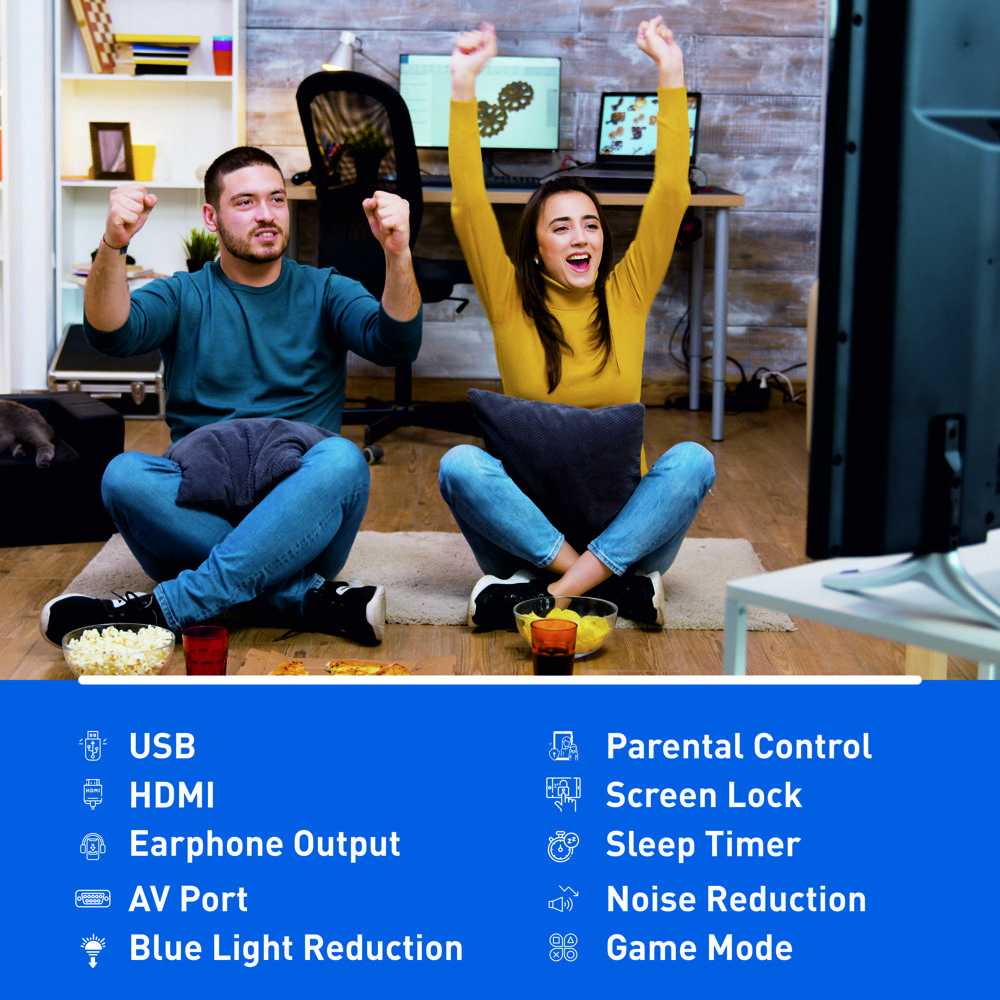


Product Discontinued
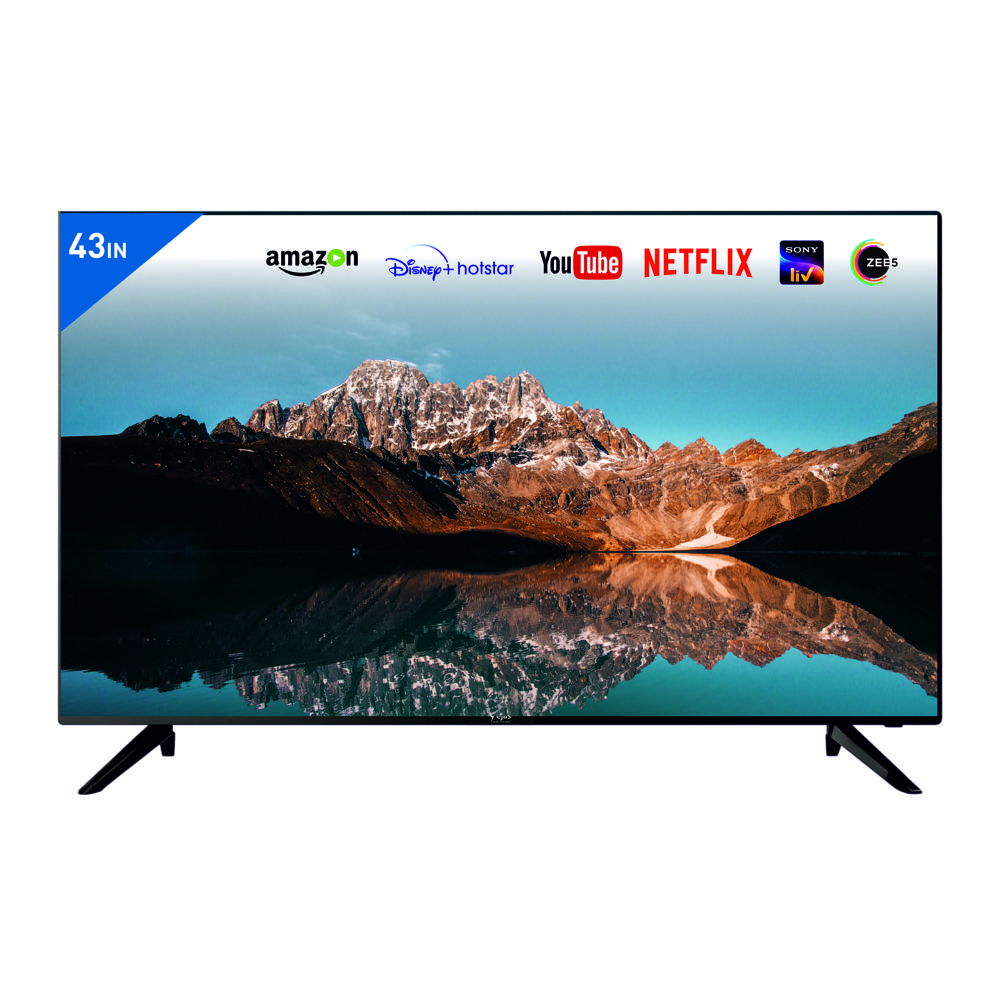
43" Google TV - 4K Voice + BT
MOQ : 12 Pieces
43" Google TV - 4K Voice + BT Specification
- Color
- Black
- Screen Size
- 43 Inch (in)
- Material
- Plastic
- Wide Screen Support
- Yes
- Voltage
- 110-215 Volt (v)
- Warranty
- 1 Year
- Remote Control
- Yes
- HDMI
- Yes
- Product Type
- LED
- LCD Display
- Yes
43" Google TV - 4K Voice + BT About
Product Name: 43" Google TV with 4K, Voice Control, and Bluetooth
Category: Television
Technical Specifications
-
Screen Size: 43 inches
-
Panel Type: Google TV (4K support)
-
Brand: BOE
-
Panel Material: Fibre
-
Audio Output: 20W x 2 (Dolby Atmos)
-
Audio System: Dolby Atmos
-
Remote: Google Assistant Voice Remote, IR or Bluetooth, Voice Search, Apps Navigation
-
Refresh Rate: 60Hz
-
Resolution: 600 x 178
-
Aspect Ratio: 16:9
-
Screen Type: Flat
-
Color: Black
Energy & Power Features
-
Power Consumption: 30W
-
Energy Efficiency Class: Class A
-
Voltage: 100-240V
-
Standby Power: 0.5W
Connectivity & Ports
-
Wall Mount: Yes
-
DVB-T2 Support: Yes
-
Audio Formats: DTS, Dolby Digital, Dolby Atmos
-
Bluetooth Support: Yes
-
Voice Control: Yes (Google Assistant Voice Remote)
-
Smart Features: Google TV with 4K support, Voice Search, App Navigation
Additional Features
-
Google TV: Offers a smarter, user-friendly interface with access to all your favorite streaming apps, shows, and movies in 4K.
-
Dolby Atmos Sound: The sound system supports Dolby Atmos, providing a premium, immersive audio experience for movies, games, and music.
-
Voice Search and Google Assistant: Control the TV using voice commands, search content, and interact with various smart home devices using Google Assistant.
-
Bluetooth Support: Connect to Bluetooth-enabled devices like headphones or sound systems wirelessly for a more flexible experience.
-
DVB-T2: Enjoy digital terrestrial television with high-definition channels for free.
Warranty
-
Warranty Period: 1 Year
MOQ (Minimum Order Quantity)
-
MOQ: 6 Units
Stunning 4K Visuals and Voice Control
Enjoy crystal-clear images and vivid colors on the 43-inch 4K LCD display. With integrated Google TV, you can access endless entertainment options, enhanced further by hands-free voice control for effortless searching and navigation. Bluetooth functionality also lets you connect compatible speakers or headphones wirelessly for a truly immersive experience.
Versatile Connectivity and Smart Features
This Google TV is equipped with HDMI ports to connect media players or gaming consoles smoothly. The included remote control offers easy access to all smart features, while wide screen support maximizes your enjoyment during movie nights or gaming sessions. Operating at 110-215 volts, its suitable for most households in India and abroad.
Reliable Warranty and Quality Assurance
Crafted from sturdy plastic in a classic black finish, this TV not only looks elegant but is built for durability and reliable performance. Each unit is protected by a 1-year warranty, ensuring peace of mind for both consumers and business buyers. As an Indian exporter, manufacturer, and supplier, we assure consistent quality with every order.
FAQs of 43" Google TV - 4K Voice + BT:
Q: How do I set up the 43" Google TV for the first time?
A: To set up the TV, plug it into a power source within the supported voltage range (110-215V), connect to Wi-Fi, and follow the on-screen Google TV instructions. The included remote will guide you through language selection and initial configuration.Q: What are the key benefits of the Google TV 4K LCD Display?
A: This TV offers 4K resolution for sharper images, wide screen support for a cinematic feel, voice control for hands-free operation, and Bluetooth for wireless audio. It provides a smart, connected viewing experience with seamless access to apps and streaming services.Q: When is it covered under warranty, and what does the warranty include?
A: The product comes with a 1-year warranty from the date of purchase. The warranty covers manufacturing defects and hardware malfunctions, ensuring repairs or replacement free of charge within the warranty period.Q: Where can I use the 43" Google TV?
A: This TV can be used in homes, offices, or commercial spaces. Its voltage compatibility (110-215V) and durable plastic construction make it suitable for a wide range of environments both in India and for export.Q: What is the process for connecting external devices via HDMI?
A: Connect your media player, gaming console, or laptop to the available HDMI port. Switch the source input using the remote control to the corresponding HDMI channel, and your external device will be displayed on the TV screen.Q: How can I utilize the voice control feature?
A: Use the remote controls dedicated voice button or the built-in microphone. Simply say your command (like searching for a program or adjusting settings) and the Google TV will respond accordingly, streamlining your user experience.More Products in LED TV Category
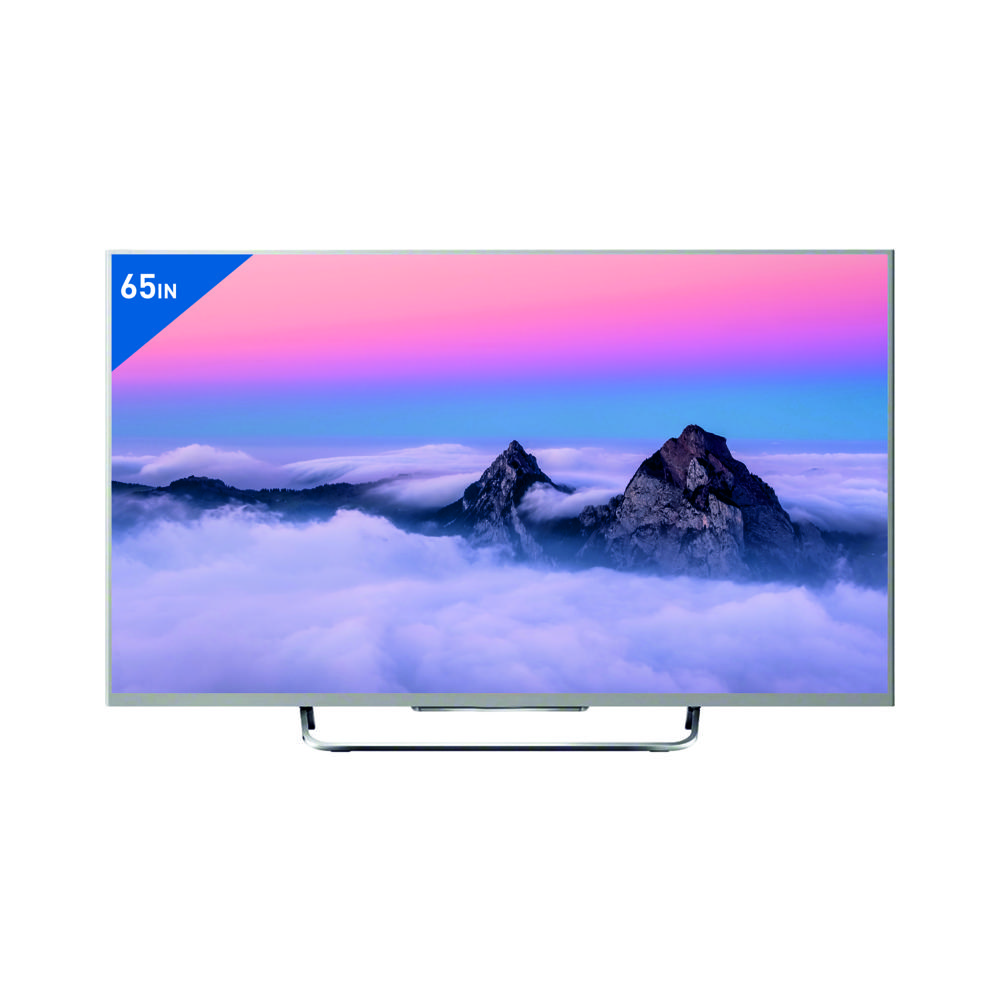
65" Android Q LED 4K - 4K Voice + BT
Price 32989.0 INR / Piece
Minimum Order Quantity : 12 Pieces
LCD Display : Yes
Product Type : Other, Android Q LED 4K TV
Color : Black
Material : Premium Grade Plastic and Metal Frame
17 HD TV - HD TV
Price 3360.0 INR / Piece
Minimum Order Quantity : 12 Pieces
LCD Display : Yes
Product Type : Other, LED HD Television
Color : Black
Material : Plastic and Metal (Frame)
86" Google TV - 4K Voice + BT
Price 95150.0 INR / Piece
Minimum Order Quantity : 12 Pieces
LCD Display : Yes
Product Type : LED
Color : Black
Material : Plastic
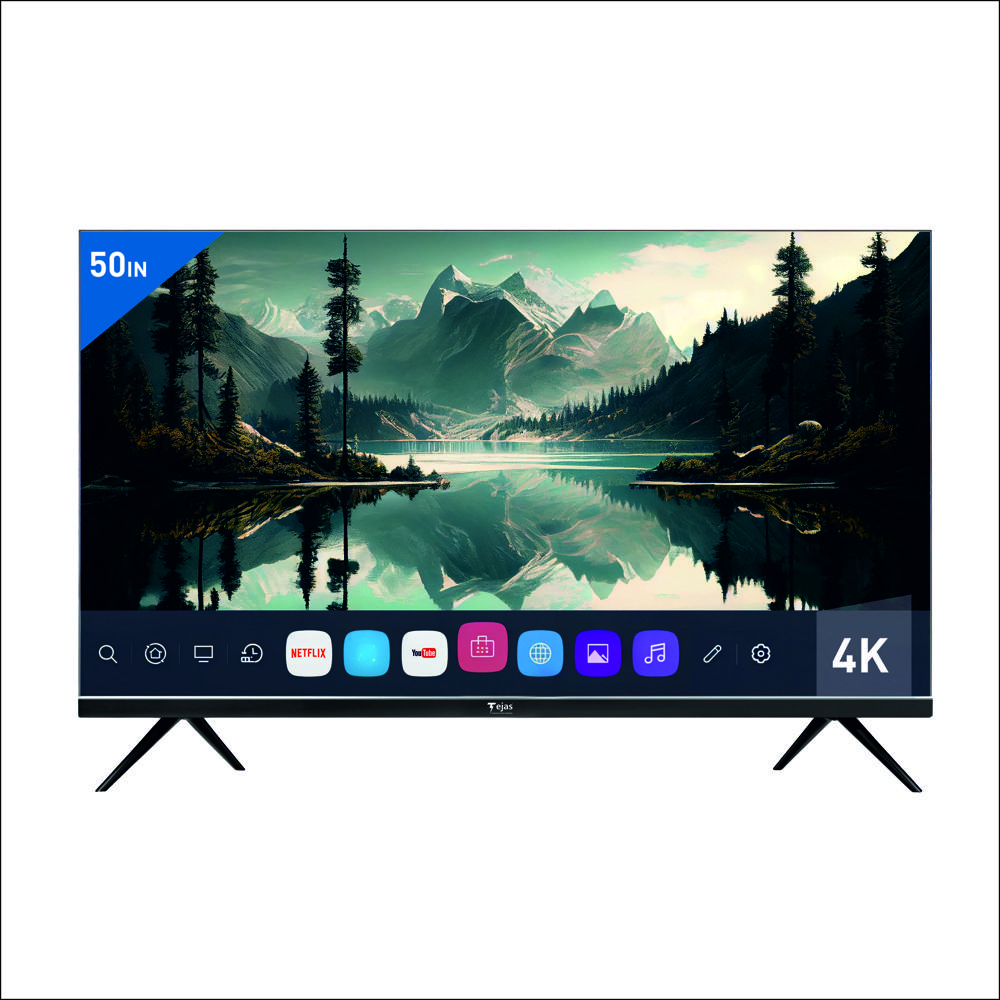
50" LG WEB OS 4K Voice
Price 22080.0 INR / Piece
Minimum Order Quantity : 12 Pieces
LCD Display : Yes
Product Type : LED
Color : Black
Material : Plastic

 Send Inquiry
Our Products
- Home Appliance
- Air Conditioner
- Refrigerator
- Air Purifier
- LED TV
- Audio Amplifier
- Electric Iron
- Water Geyser
- Immersion Rod
- Air Cooler
- Room Heater
- Mixer Grinder
- Electric Kettle
- LED Light
- LED Bulb
- LED Tube Light
- Led Flood Light
- Solar Products
- Electric Vehicle
- Electric Scooter
- Electric Bike
- Electric Scooter Charger
- Electric Rickshaw Battery
- Ceiling Fan
- Bldc Ceiling Fan
- Lithium Battery
- Inverter Battery
- Led Pcb
- E Rickshaw Battery Charger
- Semi Automatic Washing Machines
- Smart Tv
- Pedestal Fan
- Led Strip Light
- Table Fan
- E Rickshaw Loader
- E Rickshaw
- Wireless Bluetooth Speakers
- Safety Helmet
- Safety Equipment
- Tower Air Cooler
- Top Loading Washing Machines
- Food Van
- Exhaust Fan
- Led Concealed Light
- Rechargeable LED Torch

Office No. 1102, Tower S-3, Rishabh Cloud 9, Section 1, Vaishali,Ghaziabad - 201010, Uttar Pradesh, India

Mr Vivek Mishra
(Managing Director & CEO)
Mobile :08045812774
 Send Inquiry
 Send SMS
Developed and Managed by Infocom Network Private Limited.


