
Call us now :08045812774
 Send Inquiry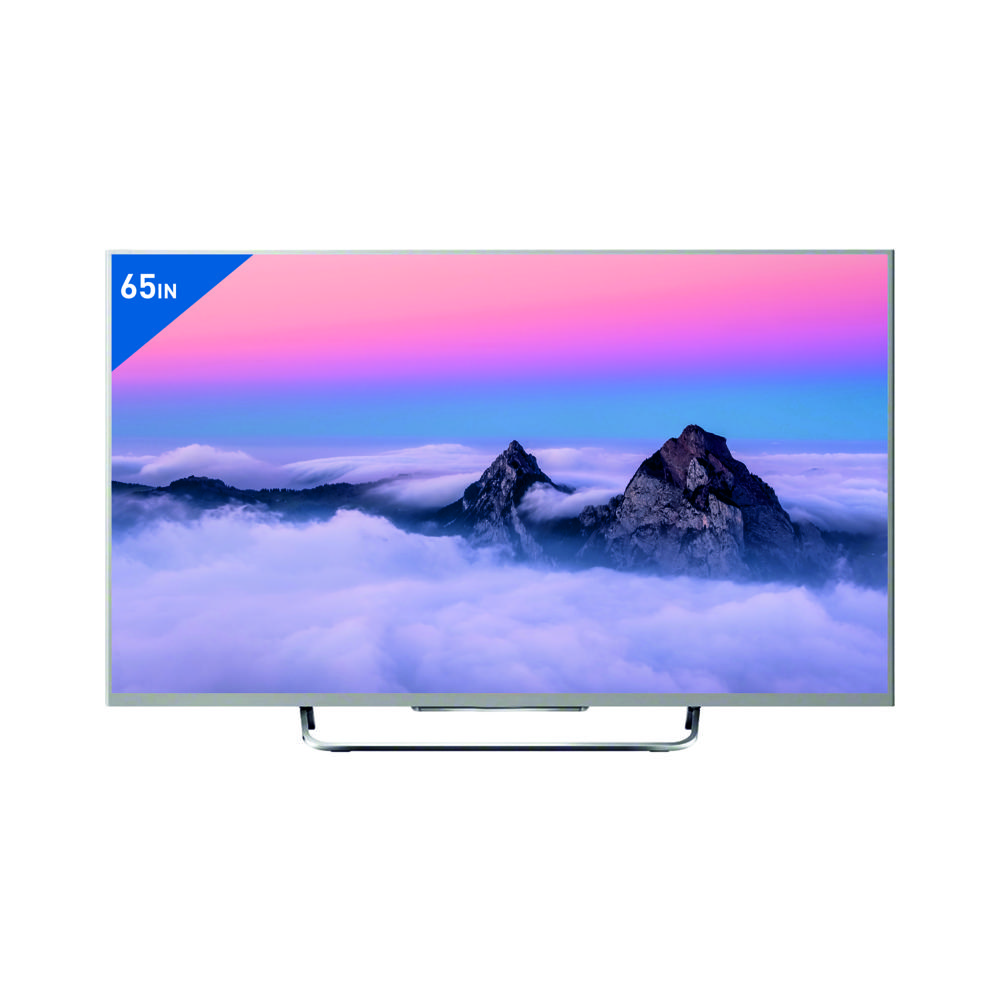


Product Discontinued
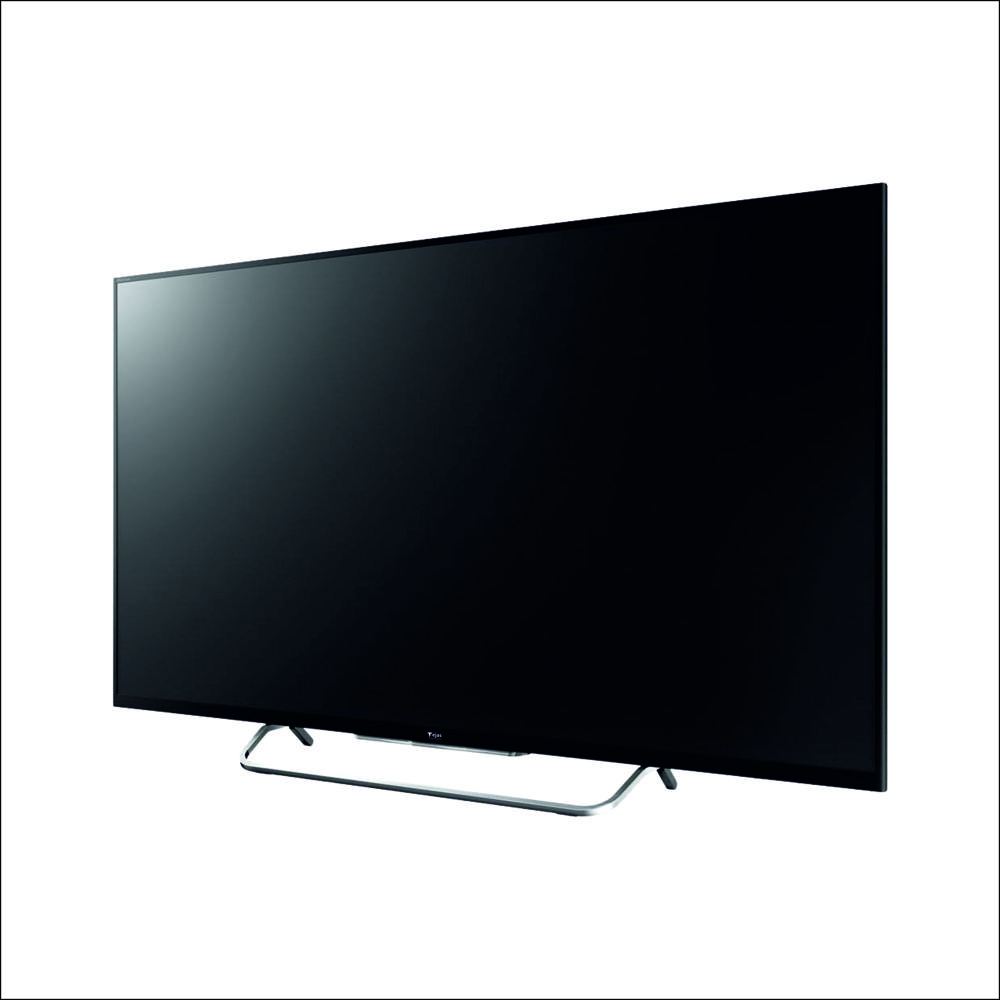
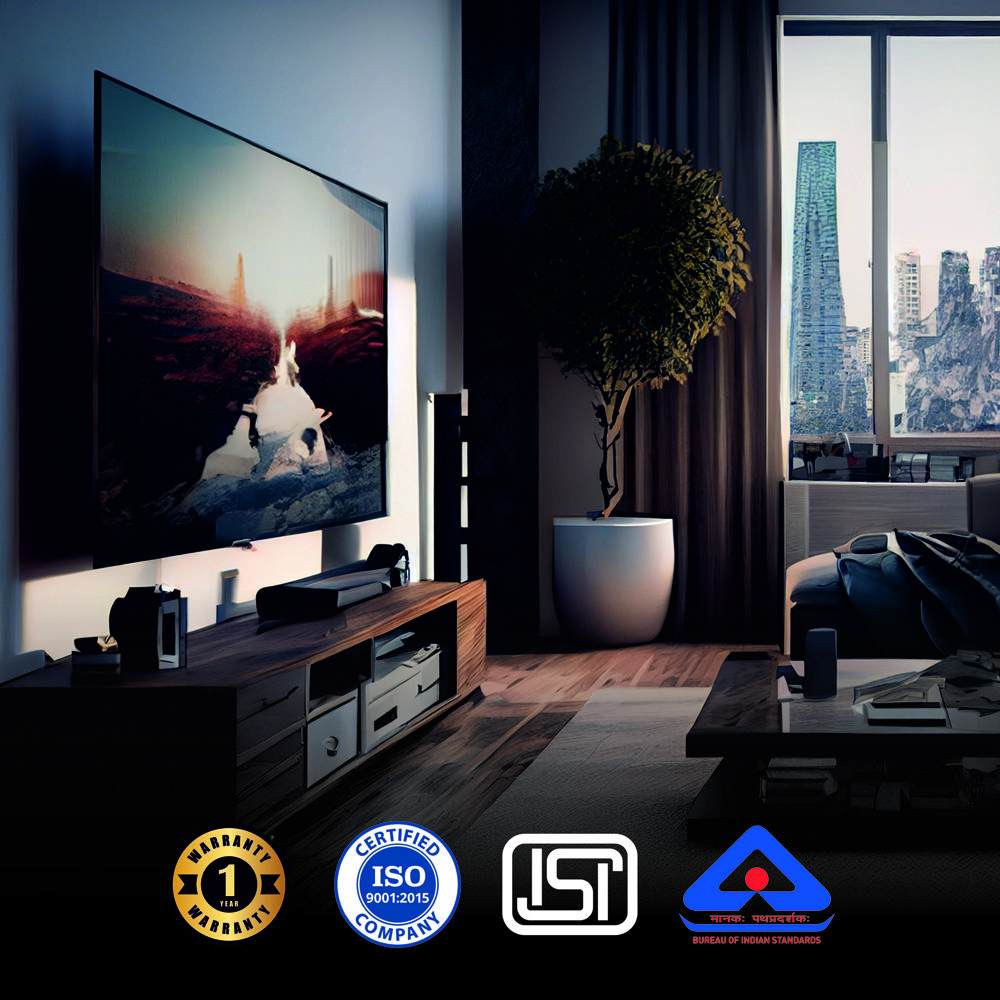
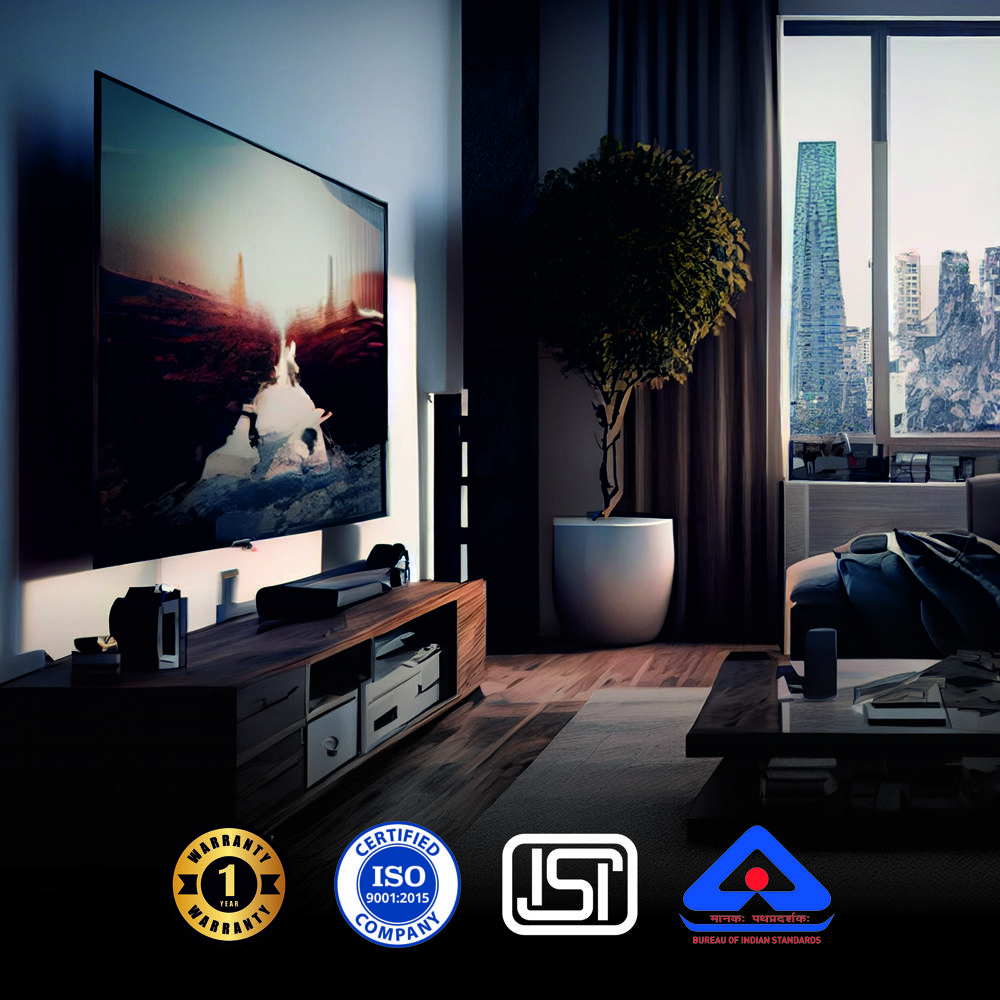
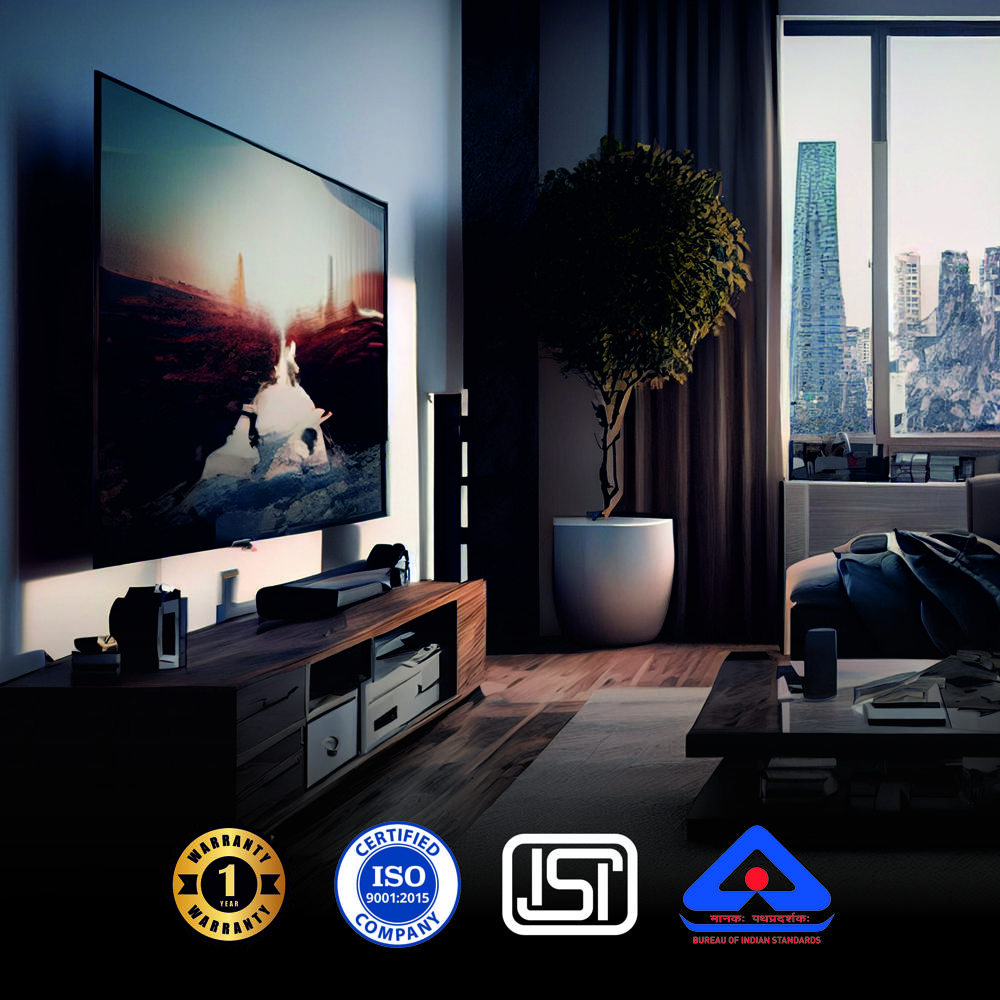
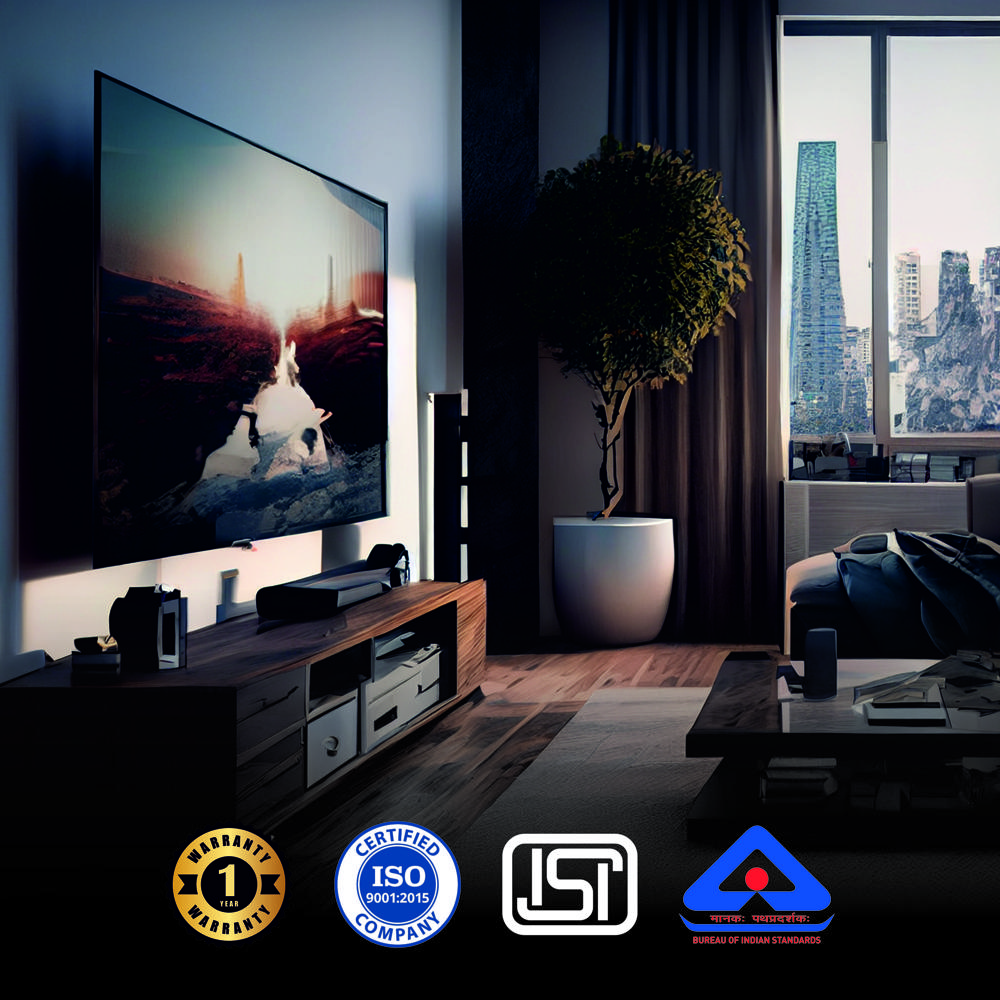
65" Android Q LED 4K - 4K Voice + BT
MOQ : 12 Pieces
65" Android Q LED 4K - 4K Voice + BT Specification
- Input Power
- 100W
- Color
- Black
- Screen Size
- 65 Inch
- Material
- Premium Grade Plastic and Metal Frame
- Frequency (MHz)
- 50/60 Hz
- Wide Screen Support
- Yes
- Resolution
- 3840 x 2160 Pixels (4K UHD)
- Contrast Ratio
- 5000:1
- Sound Level
- 24W (2 x 12W Stereo Speakers)
- Voltage
- AC 110-240V
- Dimension (L*W*H)
- 1454 x 838 x 80 mm (without stand)
- Weight (kg)
- 19.6 kg
- Remote Control
- Yes
- HDMI
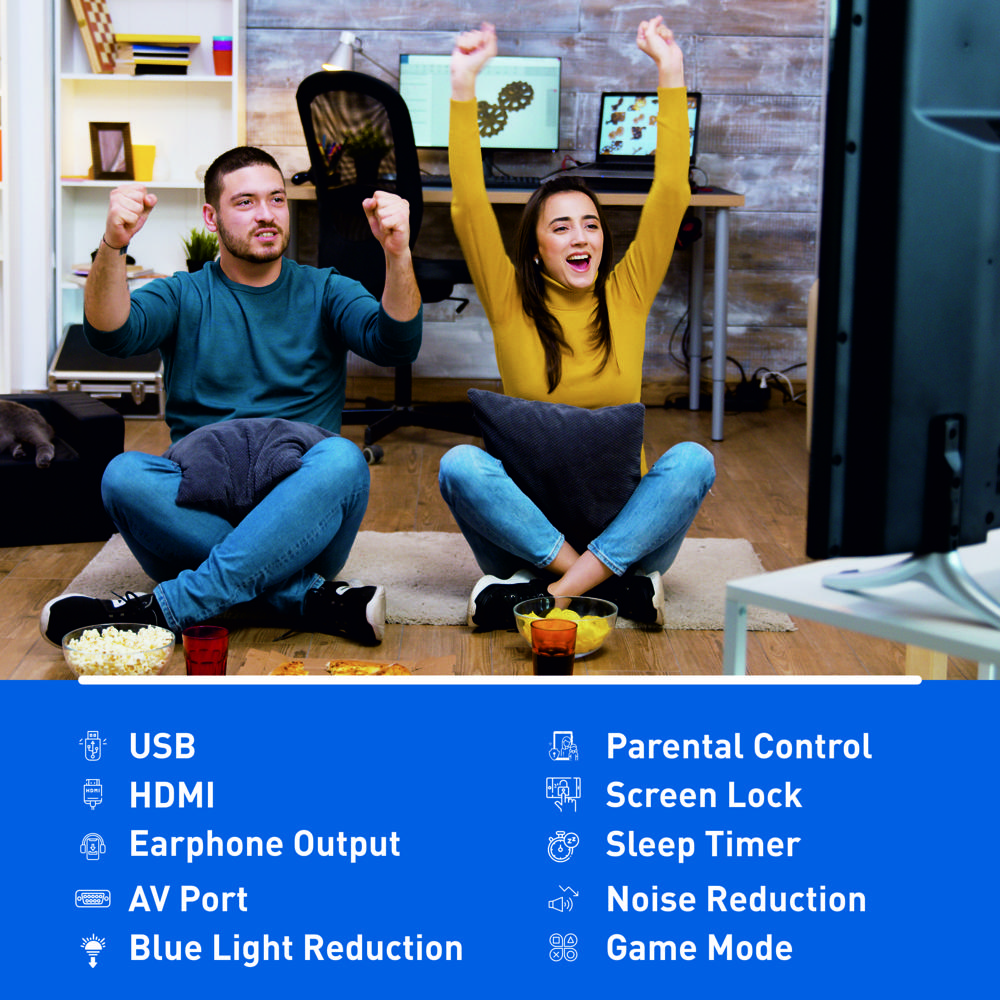
- 3 HDMI Ports
- Product Type
- Android Q LED 4K TV
- Recording Mode
- USB PVR Recording Supported
- LCD Display
- Yes
- Voice Assistant
- Google Voice Assistant
- Panel Lifespan
- Above 60,000 hours
- MEMC
- Yes, Smooth Motion Experience
- Bezel
- Ultra Slim Bezel Design
- Speaker Type
- Box Speakers with Dolby Audio
- Audio Output
- Optical Audio Out
- HDR Support
- HDR 10, HLG Supported
- Viewing Angle
- 178 Wide Viewing Angle
- Bluetooth
- Bluetooth 5.0 Supported
- Power Saving Mode
- Yes
- Mounting
- Table Stand & Wall Mount
- Refresh Rate
- 60 Hz
- Picture Processor
- Quad Core Processor
- USB Ports
- 2 USB Ports
- Chromecast Built-In
- Yes
- Operating System
- Android 11.0
- Wi-Fi
- Dual Band Wi-Fi 2.4G/5G
65" Android Q LED 4K - 4K Voice + BT About
Product Name: 65" Android Q LED 4K
Category: Television
Technical Specifications:
-
Screen Size: 65 inches
-
Resolution: 4K UHD
-
Panel Type: BOE Fibre
-
Operating System: Android TV
-
Audio Output: 30W x 2 (Dolby Atmos)
-
Audio System: Dolby Atmos
-
Remote: Android TV Remote (Bluetooth, Google Assistant Voice Control)
-
Refresh Rate: 60Hz
-
Resolution: 700 x 178
-
Aspect Ratio: 16:9
-
Screen Type: Flat
-
Color: Black
Memory & Storage:
-
RAM: 4GB
-
Storage: 32GB
Energy & Power Features:
-
Power Consumption: 30W
-
Energy Efficiency Class: Class A
-
Voltage: 100-240V
-
Standby Power: 0.5W
Connectivity & Ports:
-
Wall Mount: Yes
-
DVB-T2 Support: Yes (for digital terrestrial TV reception)
-
Audio Formats: DTS, Dolby Digital, Dolby Atmos
-
Bluetooth: Yes
-
Voice Control: Yes (via Google Assistant Voice Remote)
-
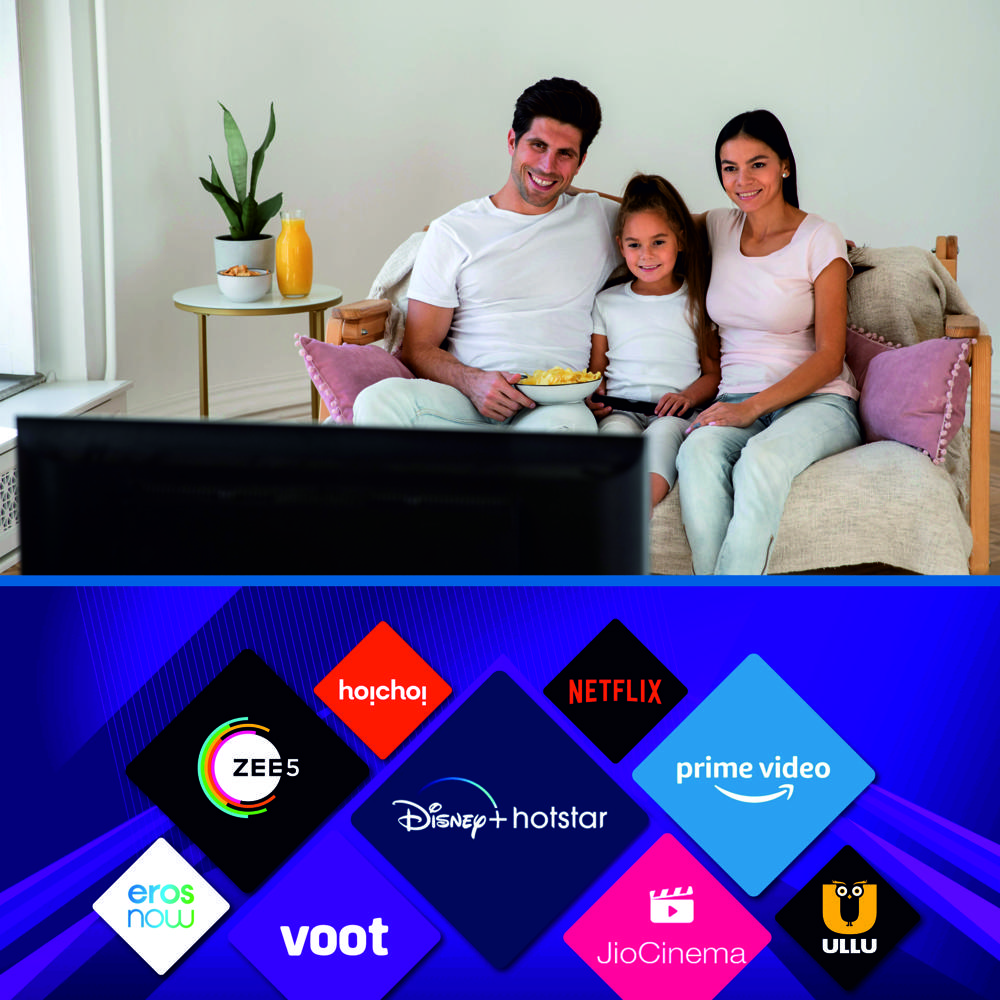
Smart Features: Android TV, with access to popular streaming services, apps, and voice commands.
Additional Features:
-
4K UHD: Ultra-high-definition resolution for sharp, clear images.
-
Dolby Atmos: Immersive, multi-dimensional sound for a theater-like experience.
-
Android TV: Googles smart platform, providing access to streaming services, Google Assistant voice search, and a wide range of apps.
-
Google Assistant Voice Control: Easily control the TV with voice commands.
-
Bluetooth: Wireless connectivity for enhanced audio and other devices.
-
DVB-T2: HD digital broadcast reception for clearer TV signals.
Warranty:
-
Warranty Period: 1 Year
MOQ (Minimum Order Quantity):
-
MOQ: 3 Units
Immersive Viewing Experience
The TVs 65-inch QLED display delivers brilliant 4K UHD resolution (3840 x 2160 pixels), offering a 178-degree wide viewing angle and a high contrast ratio of 5000:1. MEMC and a 60 Hz refresh rate guarantee smoother action scenes, making movies and sports more engaging. HDR 10 and HLG support enhance colors and details, providing vibrant and true-to-life images for your leisure or professional needs.
Smart Features & Seamless Connectivity
Operating on Android 11.0, this TV comes with built-in Chromecast, Google Voice Assistant, and a voice-enabled Bluetooth smart remote, making content navigation and streaming effortless. Dual band Wi-Fi (2.4G/5G), Bluetooth 5.0, and three HDMI ports ensure fast and reliable connections to all your favorite devices for work, play, or streaming online content in high quality.
Premium Audio and Build Quality
Enjoy cinematic sound from 24W stereo box speakers powered by Dolby Audio and an optical audio out for an enriched audio setup. The TVs premium-grade plastic and metal frame, ultra-slim bezel, and versatile table or wall mount options ensure it fits elegantly in any space. Energy-efficient operation and robust durability (over 60,000 hours panel lifespan) make it a long-lasting addition to your environment.
FAQs of 65" Android Q LED 4K - 4K Voice + BT:
Q: How do I connect external devices such as a soundbar or gaming console to the 65" Android Q LED 4K TV?
A: You can connect external devices using the three HDMI ports for video and audio sources, or use the optical audio out for high-quality audio devices like soundbars or home theater systems. Additionally, two USB ports allow connection to storage devices or peripherals.Q: What are the benefits of the built-in Chromecast and Google Voice Assistant?
A: Built-in Chromecast lets you effortlessly cast content from your smartphone or laptop directly to the TV. The Google Voice Assistant enables hands-free control, allowing you to search, change settings, and launch apps simply by using voice commands for a seamless smart TV experience.Q: When should I use the Power Saving Mode, and what advantages does it offer?
A: Activate Power Saving Mode when you want to reduce energy consumption, such as during extended viewing sessions or overnight use. This helps lower electricity bills and extends the TVs overall lifespan without compromising essential functions.Q: Where can I mount the TV, and what installation options are available?
A: The TV supports both table stand and wall mount installations, giving you flexibility to position it according to your room layout. It comes with the necessary accessories for either mounting option, ensuring secure and convenient placement.Q: What process should I follow to enable USB PVR recording on this TV?
A: Simply connect a compatible USB storage device to one of the available USB ports, access the recording function from the TVs media menu, and follow on-screen instructions to start, schedule, or replay recordings of TV programs as desired.Q: How does MEMC enhance my viewing experience?
A: The MEMC (Motion Estimation, Motion Compensation) technology improves motion smoothness by reducing blur, especially during fast-paced scenes in sports or action movies. This results in clearer visuals and a more enjoyable, immersive experience.More Products in LED TV Category
43" Smart Cloud TV 512 MB
Price 11280.0 INR / Piece
Minimum Order Quantity : 12 Pieces
Warranty : 1 Year
Remote Control : Yes
Voltage : 110215 Volt (v)
Color : Black
24 HD TV - HD TV
Price 4440.0 INR / Piece
Minimum Order Quantity : 12 Pieces
Warranty : 1 Year
Remote Control : Yes
Voltage : 110215 Volt (v)
Color : Black
75" Google TV - Q LED 4K Voice + BT
Price 59400.0 INR / Piece
Minimum Order Quantity : 12 Pieces
Warranty : 1 Year
Remote Control : Yes
Voltage : 110215 Volt (v)
Color : Black
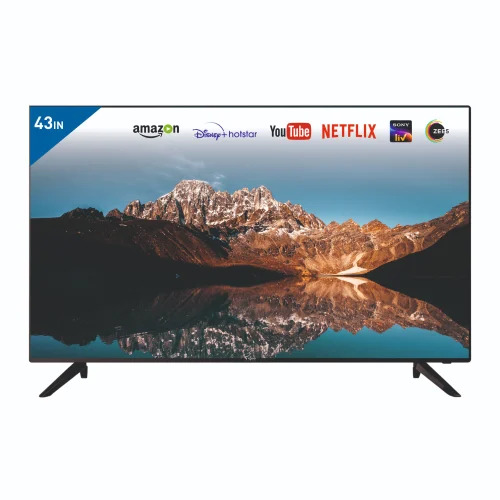
43 Frameless - Frameless IPS Soundbar - TEJASELLED TV15
Price 11100 INR / Piece
Minimum Order Quantity : 12 Pieces
Warranty : 1 year
Remote Control : Yes
Voltage : 100240 Volt (v)
Color : Black

 Send Inquiry
Our Products
- Home Appliance
- Air Conditioner
- Refrigerator
- Air Purifier
- LED TV
- Audio Amplifier
- Electric Iron
- Water Geyser
- Immersion Rod
- Air Cooler
- Room Heater
- Mixer Grinder
- Electric Kettle
- LED Light
- LED Bulb
- LED Tube Light
- Led Flood Light
- Solar Products
- Electric Vehicle
- Electric Scooter
- Electric Bike
- Electric Scooter Charger
- Electric Rickshaw Battery
- Ceiling Fan
- Bldc Ceiling Fan
- Lithium Battery
- Inverter Battery
- Led Pcb
- E Rickshaw Battery Charger
- Semi Automatic Washing Machines
- Smart Tv
- Pedestal Fan
- Led Strip Light
- Table Fan
- E Rickshaw Loader
- E Rickshaw
- Wireless Bluetooth Speakers
- Safety Helmet
- Safety Equipment
- Tower Air Cooler
- Top Loading Washing Machines
- Food Van
- Exhaust Fan
- Led Concealed Light
- Rechargeable LED Torch

Office No. 1102, Tower S-3, Rishabh Cloud 9, Section 1, Vaishali,Ghaziabad - 201010, Uttar Pradesh, India

Mr Vivek Mishra
(Managing Director & CEO)
Mobile :08045812774
 Send Inquiry
 Send SMS
Developed and Managed by Infocom Network Private Limited.


